
Page Ruler Chrome 插件, crx 扩展下载
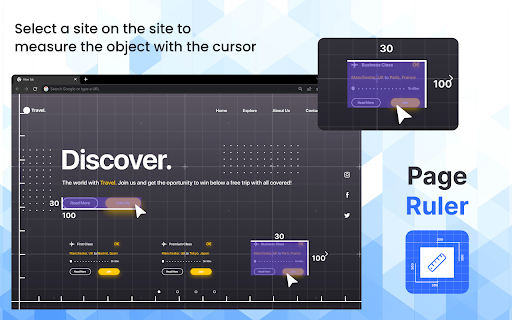
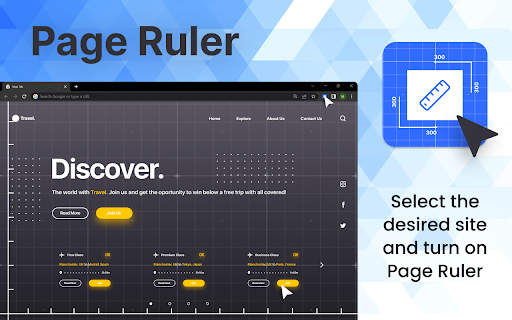
Page ruler extension to measure elements on web pages. An advanced page ruler tool to measure the size of web elements in pixels.
The Page Ruler browser extension is a powerful tool designed to facilitate precise measurements of various elements on web pages. With its user-friendly interface and advanced features, this extension offers an efficient solution for web developers, designers, and anyone else needing to accurately gauge the dimensions of elements within a webpage.
One of the key features of the Page Ruler extension is its ability to measure elements in pixels, offering precise numerical values for the width, height, and position of selected elements. This level of accuracy is essential for ensuring that web designs adhere to specific dimensions and align properly across different devices and screen sizes.
Additionally, the extension offers advanced functionality, allowing users to measure not only the outer dimensions of elements but also their padding, margins, and borders. This comprehensive approach to measurement provides a more thorough understanding of how elements are structured within the webpage layout.
| 分类 | 💻开发者工具 |
| 插件标识 | ochbejipanddbdcigjldfpggbpelplbh |
| 平台 | Chrome |
| 评分 |
★★★★☆
4.5
|
| 评分人数 | 34 |
| 插件主页 | https://chromewebstore.google.com/detail/page-ruler/ochbejipanddbdcigjldfpggbpelplbh |
| 版本号 | 1.0.0 |
| 大小 | 46.28KiB |
| 官网下载次数 | 2000 |
| 下载地址 | |
| 更新时间 | 2024-04-04 00:00:00 |
CRX扩展文件安装方法
第1步: 打开Chrome浏览器的扩展程序
第2步:
在地址栏输入: chrome://extensions/
第3步: 开启右上角的【开发者模式】
第4步: 重启Chrome浏览器 (重要操作)
第5步: 重新打开扩展程序管理界面
第6步: 将下载的crx文件直接拖入页面完成安装
注意:请确保使用最新版本的Chrome浏览器
同类插件推荐

Better Ruler
一款网页测量工具,支持吸附测量。为前端开发和ui设计提供便利。一款网页测量工具,支持吸附测量。为前端

Page Ruler
Page ruler extension to measure elements on web pa

Visual Inspect UI
Advanced Visual Inspector for Editing Web Page Ele

Screen Ruler - Measure The Web
Measure sizes, distances, margins and paddings of