Copy Button for Gmail Chrome 插件, crx 扩展下载
CRX扩展文件安装方法
第1步: 打开Chrome浏览器的扩展程序
第2步:
在地址栏输入: chrome://extensions/
第3步: 开启右上角的【开发者模式】
第4步: 重启Chrome浏览器 (重要操作)
第5步: 重新打开扩展程序管理界面
第6步: 将下载的crx文件直接拖入页面完成安装
注意:请确保使用最新版本的Chrome浏览器
同类插件推荐

Gmail Select Sender Email
Allows you to easily copy the email of the sender

Batch Reply for GMail
Adds button to reply to all selected conversations

Unread for GMail
Mark unread GMail emails with a colorMark unread G
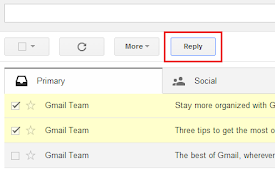
Batch Reply for Gmail™
A chrome extension that makes it possible to reply

Mail:To
Redirects mailto links to a gmail prompt.Mail:To m

Mailmeteor for Gmail: Email Tracker, Mail merge, AI Writer, Export CSV
Everything you need to win more business in Gmail.
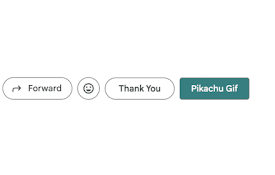
Gmail Buttons
This plugin adds custom buttons next to the reply
Copy Button for Gmail
Adds a button to copy the email address of the sen

Inbox Layout for Gmail
Making Gmail look more like Inbox- Emulates the la

Re:format Gmail inline replies
Reply to long emails point-by-point. Highlight te

Sender Icons for Gmail™
Add a sender icon for all emails in your Gmail inb

Simple Gmail Screen
简化Gmail屏幕,使侧边栏和顶部栏自动隐藏。This extension simply hides
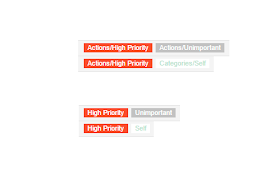
Short Gmail Labels
Shorten your Gmail labels so parent labels are not