XMLView Chrome 插件, crx 扩展下载
CRX扩展文件安装方法
第1步: 打开Chrome浏览器的扩展程序
第2步:
在地址栏输入: chrome://extensions/
第3步: 开启右上角的【开发者模式】
第4步: 重启Chrome浏览器 (重要操作)
第5步: 重新打开扩展程序管理界面
第6步: 将下载的crx文件直接拖入页面完成安装
注意:请确保使用最新版本的Chrome浏览器
同类插件推荐

NativeExt
WebExtensions native connector management extensio

XMLView
Format and highlight raw XMLFormat and highlight r

XML Formatter
Format your XML so that it is indented correctly f
XML格式化程序
轻松使用XML格式化程序转换您的XML文件。该扩展程序充当XML格式化程序和查看器,便于阅读。? 与

XML Plus
A powerful XML Viewer, supports text/regex and jQu

Attribute Reporter
Dev Tools Extension to report on elements attribut

XML to JSON - Free XML Converter
Seamlessly convert XML to JSON for free! Enhance d

XML Tools
Collection of small & convenient XML tools.Som
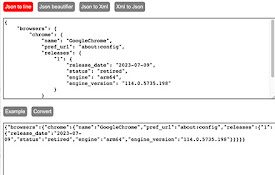
Json and Xml converter
A set of utilities for working with json and xml.
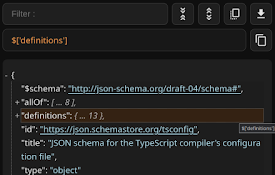
Functional JSON viewer
Modern JSON formatter and explorer.Why to use: -

自动清理缓存
浏览器启动时自动为您清理缓存和垃圾。浏览器启动时自动为您清理缓存和垃圾,您可以指定清理的选项。

Html Css Online
With html css online, you can directly edit HTML,

HTML Attributes Editor
View and edit the attributes of an HTML element.Vi