AWS Masking Chrome 插件, crx 扩展下载
CRX扩展文件安装方法
第1步: 打开Chrome浏览器的扩展程序
第2步:
在地址栏输入: chrome://extensions/
第3步: 开启右上角的【开发者模式】
第4步: 重启Chrome浏览器 (重要操作)
第5步: 重新打开扩展程序管理界面
第6步: 将下载的crx文件直接拖入页面完成安装
注意:请确保使用最新版本的Chrome浏览器
同类插件推荐

Developers.IO編集アシスタント
Developers.IO編集者を少し助けてくれるChrome拡張です。Developers.IOは

DevelopersIO_Search
DevelopersIOのサイト内検索を行うための検索ボックスです。Googleサイト内検索結果を別

Google Meet Chat to Clipboard
Google Meet Chat to Clipboardは、Google Meetのチャットの内容

AWS Masking
Enhance your security by auto-hiding sensitive inf
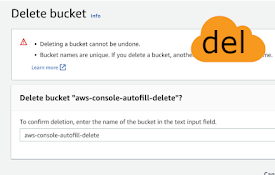
AWS console autofill delete
Automatically fills the confirmation message to de

re:Name FavBar
Rename AWS service names of the favorite bar on th
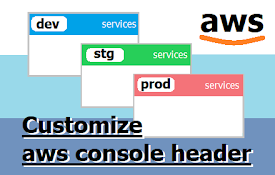
Customize AWS Console Header
Change AWS Console Header. background color and te

AWS Peacock Management Console
Browser Extension to change color of AWS Managemen

Former2 Helper
Helps avoid CORS issues with former2.comCalls to t

AWS Favicon Update
IAM shouldn't be the only tab with a unique fa

Simple URL Copy
Helps to copy url with various formatsThis extensi

Create Link
Copy current page URL to clipboard in various form