
Browser Internals Chrome 插件, crx 扩展下载
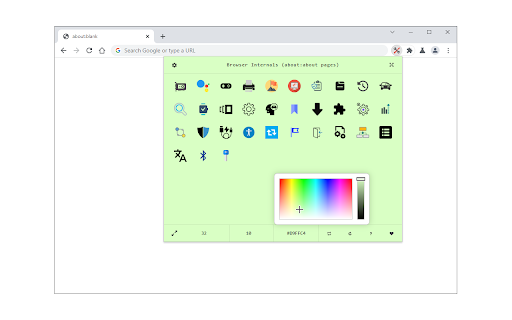
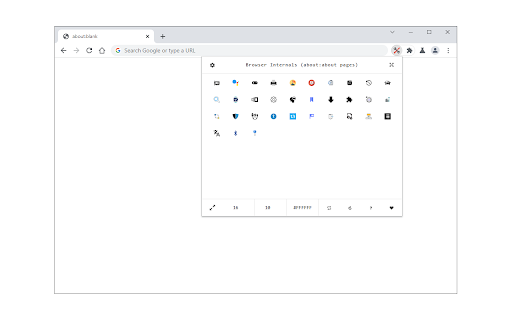
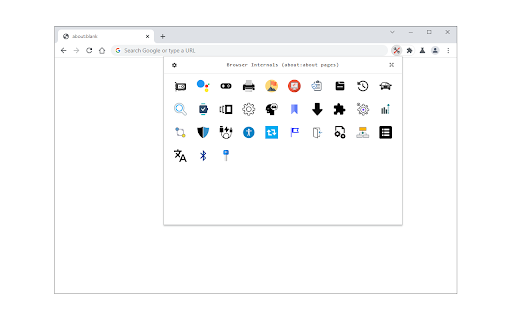
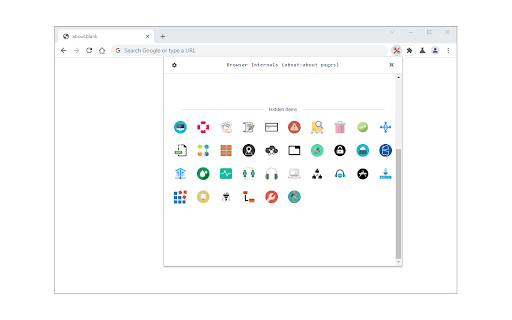
Access all about:about pages from a stylish toolbar popup!
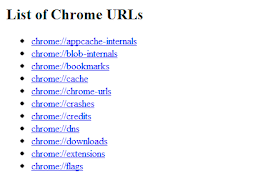
Browser Internals (formerly known as Under the Hood) is a browser extension to give you access to all internal pages (i.e. about:about) in your browser. To operate with this addon, just open the toolbar popup and click on the desired icon. Left-click will open the page in a new inactive tab, and the middle click opens the page in an active tab.
Few features:
1. Icons are drag-able. Simply drag and drop icons to your desired position.
2. Expand button shows all the hidden icons.
3. Icon size and popup background color can be changed through the settings toolbar.
4. You can adjust the popup size through the settings toolbar.
5. All settings are auto-saved to the memory.
Note: to report bugs, please fill the bug report form on the addon's homepage (https://mybrowseraddon.com/under-the-hood.html).
| 分类 | 🛠️工具 |
| 插件标识 | gdpfncddojccckefniplicdpceecfkmo |
| 平台 | Chrome |
| 评分 |
★★★★☆
4
|
| 评分人数 | 3 |
| 插件主页 | https://chromewebstore.google.com/detail/browser-internals/gdpfncddojccckefniplicdpceecfkmo |
| 版本号 | 0.1.5 |
| 大小 | 244KiB |
| 官网下载次数 | 2000 |
| 下载地址 | |
| 更新时间 | 2024-11-25 00:00:00 |
CRX扩展文件安装方法
第1步: 打开Chrome浏览器的扩展程序
第2步:
在地址栏输入: chrome://extensions/
第3步: 开启右上角的【开发者模式】
第4步: 重启Chrome浏览器 (重要操作)
第5步: 重新打开扩展程序管理界面
第6步: 将下载的crx文件直接拖入页面完成安装
注意:请确保使用最新版本的Chrome浏览器
同类插件推荐

Link Revealer
See the true URL for all links and improve your se

Browser Internals
Access all about:about pages from a stylish toolba
Browser Links
Quick access to Chrome pages in the context menu.E

HiddenTools for Google Chrome™
The easiest way to access all the productivity set

Policy Control
Gain complete control over all content settings (c

Network Information
Useful information about your system's connect

Privacy Tweaks
Improve your online privacy with few tweaks via to

Security Tweaks
Improve your online security with few tweaks via t

Ignore Google Scripts
Ignore Google scripts and route Google CDN to Clou

Ultra Button
控制一切的按钮!您现在能够在一个按钮中,使用大多数浏览器的功能 包含: 书签,扩充功能,下载管理,历

ManExt
Manage - and group - your installed extensionsMana

Extension Control
Elementary extension manager. Compact design, no s

Extensioner
Extension management is easier with Extensioner.v1