
FuseBase Assistant - AI Chat and Screenshots Chrome 插件, crx 扩展下载
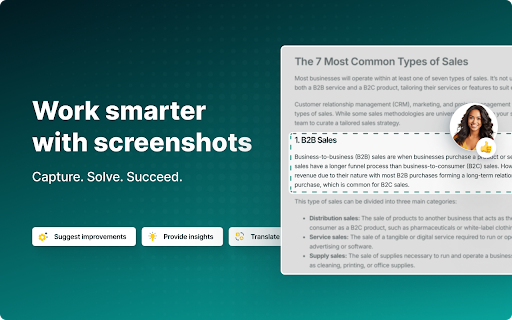
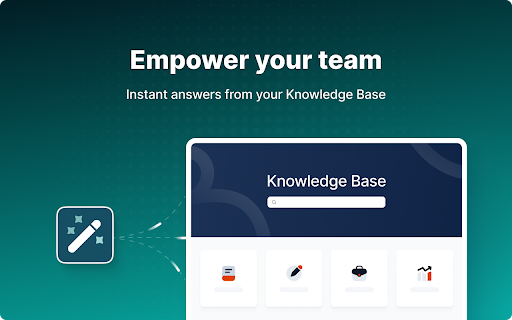
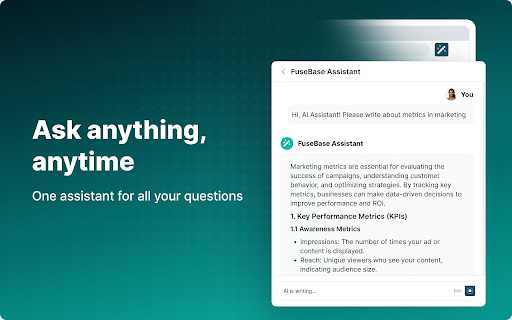
ChatGPT-like extension that answers questions and solves tasks from screenshots - like math, translations, and more.
Nimbus Note - The easiest way to take notes and capture text/pictures from Web pages in Chrome browser. Need to quickly create a note or clip part of a web page—such as text, pictures, or links? No problem! Nimbus Note allows you to create new notes directly from the browser and save any web page. This is especially convenient when doing research , for example.
In addition, the built-in synchronization feature will help you save your notes in Nimbus and easily view them on various other devices!
Nimbus Notes is for:
- taking notes quickly and easily;
- saving content from web pages with one simple click;
- organizing your notes in a convenient folder structure;
- synchronizing notes and accessing them from any device;
To start working with the Nimbus Note add-on, take a moment to create an account at everhelper.me. To save you time, a single account will give you access to all Everhelper services.
| 分类 | 🛠️工具 |
| 插件标识 | haafigbapbpbpnmgcknnmilaaaimggpk |
| 平台 | Chrome |
| 评分 |
★★★★☆
4.6
|
| 评分人数 | 64 |
| 插件主页 | https://chromewebstore.google.com/detail/fusebase-assistant-ai-cha/haafigbapbpbpnmgcknnmilaaaimggpk |
| 版本号 | 4.3.7 |
| 大小 | 6.93MiB |
| 官网下载次数 | 10000 |
| 下载地址 | |
| 更新时间 | 2025-01-25 00:00:00 |
CRX扩展文件安装方法
第1步: 打开Chrome浏览器的扩展程序
第2步:
在地址栏输入: chrome://extensions/
第3步: 开启右上角的【开发者模式】
第4步: 重启Chrome浏览器 (重要操作)
第5步: 重新打开扩展程序管理界面
第6步: 将下载的crx文件直接拖入页面完成安装
注意:请确保使用最新版本的Chrome浏览器
同类插件推荐

Knotes
Super fast notes from your New Tab window**Feature

Web Page Sticky Notes
Sticky Notes For Web PagesWeb Page Sticky Notes O
AlterNote Editor
An alternative implementation of the tinyMCE WYSIW

Web Clipper (Nimbus)
Web Clipper that works! The easiest way to clip te
Category Tabs for Google Keep™
更好地整理您在Google Keep上的笔记Tired of wasting time lookin

Bookmark My Tabs
Bookmark your favorite tab groups, improve your br

Notes: Keep Sticky Thoughts in Google Drive
Simple and useful notes that sync with Google Driv

NoteOn
Take notes. Organize. Color code. Carry on.When yo
Fast Note
Super fast note storageA note pad opens faster tha

FuseBase Assistant - AI Chat and Screenshots
ChatGPT-like extension that answers questions and

EverSync - Sync bookmarks, backup favorites
Synchronize your bookmarks, FVD Speed Dials. Secur

Popup my Bookmarks
更有效率地查看及管理你的书签选单。- Firefox / IE-like bookmarks men

Page Notes
Take notes for web pages and access them with a si