
URL Encode & Decode Chrome 插件, crx 扩展下载
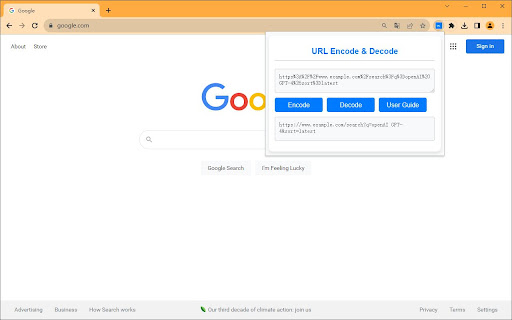
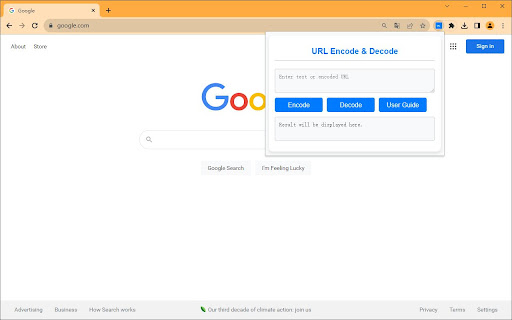
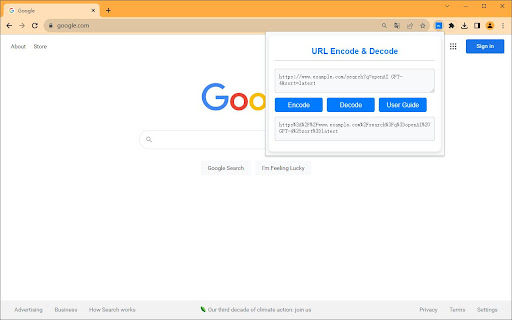
Easily encode and decode URLs directly from your browser.
The URL Encoder & Decoder Chrome Extension allows you to easily encode and decode URLs with just one click. Whether you're a developer, a data analyst, or anyone who deals with URLs, this extension will save you time and make your tasks more efficient.
Features:
• Simple, clean UI
• Quick encoding and decoding of URLs
• Input validation to ensure accuracy
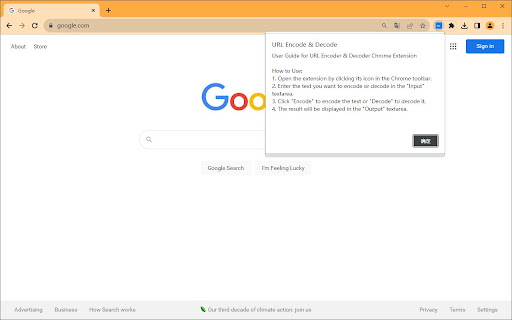
• Helpful alerts and user guide
How to Use:
• Open the extension by clicking its icon in the Chrome toolbar.
• Paste or type the text you want to encode or decode into the "Input" textarea.
• Click "Encode" to encode the text or "Decode" to decode it.
• The result will be displayed in the "Output" textarea.
| 分类 | 🛠️工具 |
| 插件标识 | jfiilkclaokhgocelgjgdmagcbonnala |
| 平台 | Chrome |
| 评分 |
☆☆☆☆☆
0
|
| 评分人数 | 2 |
| 插件主页 | https://chromewebstore.google.com/detail/url-encode-decode/jfiilkclaokhgocelgjgdmagcbonnala |
| 版本号 | 1.0.0 |
| 大小 | 7.49KiB |
| 官网下载次数 | 194 |
| 下载地址 | |
| 更新时间 | 2023-09-24 00:00:00 |
CRX扩展文件安装方法
第1步: 打开Chrome浏览器的扩展程序
第2步:
在地址栏输入: chrome://extensions/
第3步: 开启右上角的【开发者模式】
第4步: 重启Chrome浏览器 (重要操作)
第5步: 重新打开扩展程序管理界面
第6步: 将下载的crx文件直接拖入页面完成安装
注意:请确保使用最新版本的Chrome浏览器
同类插件推荐

URL编码器/解码器
自动用易于使用的UI编码和解码URL。A useful Chrome extension for d

URL Decode - Safe URL Decoder
Safely decode URL with our URL decoder. Ensure cla
URL Encode & Decode
Easily encode and decode URLs directly from your b

URL Decoder
URL Decoder is a simple yet powerful Chrome extens

Exploit Observer
A.R.P. Syndicate's Exploit Observer Browser Ex
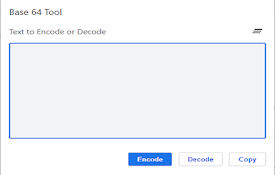
Base 64 encode and decode tool
Simple base 64 encode and decode toolA basic tool

Header management
Add or modify http headers for experimentation pur

Decode Current URL
Takes the URL of the current tab, decodes it, and

Boost Editor -Right Click in SM Post Text Box
Your Chrome extension to copy text from Social Med

Text Toolkit Pro
Advanced text transformation tools, including case

URL Decode/Encode
A nifty tool for decoding URLs that have been enco

URLs Decoder/Encoder with unique characters
Simultaneously decodes the current tab URL or deco

Base64 Encoder and Decoder
Encode plain text to Base64, Decode Base64 text to