
Chrome Note Keeper Chrome 插件, crx 扩展下载
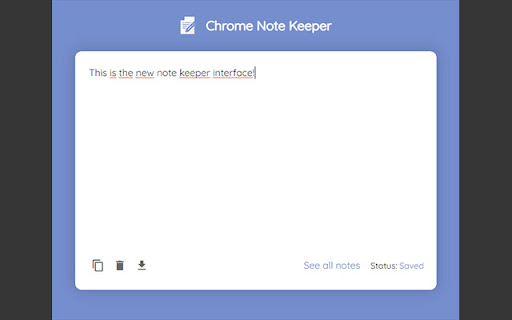
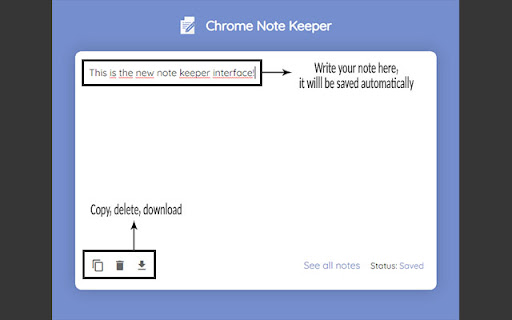
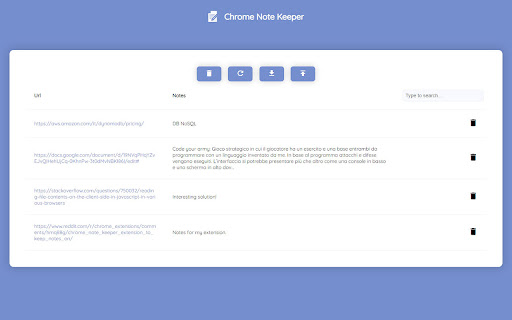
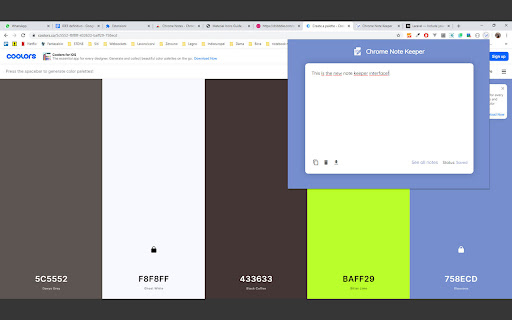
Chrome Note Keeper: keep notes on specific websites pages.
Keep notes on every website page and read it whenever you want!
This extension give you the ability to write down notes about a specific web page and save it to Chrome storage.
A little badge near the extension icon notify you the presence of a note.
CHANGELOGS:
--- v1.0 ---
- Updated manifest file
- Fixes on background
--- v0.5 ---
- Fixes on icon badge
--- v0.4 ---
- Added icon badge to notify the presence of notes
--- v0.3 ---
- Added import/export to options page
- Fixes on options page
- Larger textarea on popup
- Fixes on popup
--- v0.2 ---
- Textarea label fixed
--- v0.1 ---
- First release
| 分类 | 📝工作流程与规划 |
| 插件标识 | llocbjbocnpindmhcankkhiidpfaiedp |
| 平台 | Chrome |
| 评分 |
★★★★☆
4
|
| 评分人数 | 1 |
| 插件主页 | https://chromewebstore.google.com/detail/chrome-note-keeper/llocbjbocnpindmhcankkhiidpfaiedp |
| 版本号 | 1.0 |
| 大小 | 31.8KiB |
| 官网下载次数 | 325 |
| 下载地址 | |
| 更新时间 | 2022-04-22 00:00:00 |
CRX扩展文件安装方法
第1步: 打开Chrome浏览器的扩展程序
第2步:
在地址栏输入: chrome://extensions/
第3步: 开启右上角的【开发者模式】
第4步: 重启Chrome浏览器 (重要操作)
第5步: 重新打开扩展程序管理界面
第6步: 将下载的crx文件直接拖入页面完成安装
注意:请确保使用最新版本的Chrome浏览器
同类插件推荐

WebNote
Take notes directly in the page.A Chrome extension

Web Notes
Allows user to stick notes for specific url.Web No
Chrome Note Keeper
Chrome Note Keeper: keep notes on specific website

NoteKeeper
a versatile, powerful tool for staying organized.

AnyPage Sticky Note
With AnyPage Sticky Note, You can make resizeable

Notes
A clean and simple browser extension for managing
Notemark — Quick note web pages to view later
A better way to bookmark things you only need for

Firenote: Notes and Todo Lists in New Tab
Create, edit, and save notes and todo lists every

My-Notes
My-Notes - Put your story into notes...It is a sim

EZ-Notes
Take notes better and faster with the click of a s
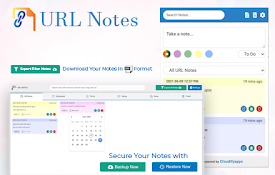
URL Notes: Best Tool to Take, Manage, and Export Notes While Browsing
Stay focused and organized with URL Notes! Effortl

Page Pad : Make quick notes
Create notes instantly for individual webpages whi

Click&Note - Notes Vault
Click And Note - simple notepad and vault, tool fo