
Screvi Chrome 插件, crx 扩展下载
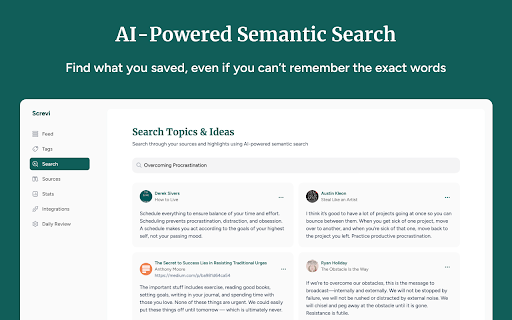
Save and remember highlights and bookmarks from all your favorite authors
The Screvi Chrome Extension helps you import your Kindle highlights, Twitter bookmarks, web article highlights into Screvi, a platform designed to help you remember what you read and organize, tag, and search your best highlights.
With Screvi, you can:
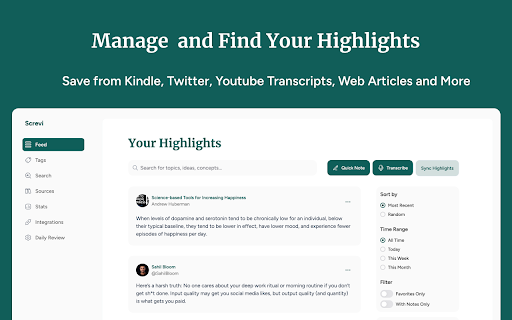
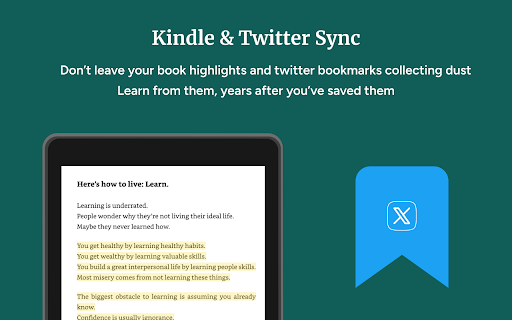
- Keep your highlights from Kindle, Twitter, books, web articles and other sources in one place.
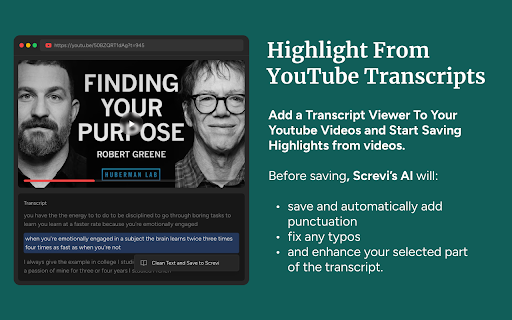
- Save highlights from YouTube
- Search through your personal library quickly and efficiently with AI.
- Tag and organize your saved content for easy reference.
How It Works
The extension allows you to sync your Kindle highlights, Twitter bookmarks, Youtube and Web Highlights with your Screvi account, ensuring your knowledge library stays up to date.
Requirements
A Screvi account with an active subscription is required. If you do not have one, signup for a free trial at screvi.com and start building your personal knowledge library.
Get Started
Sign up at screvi.com and install the Screvi Chrome Extension to begin importing your highlights.
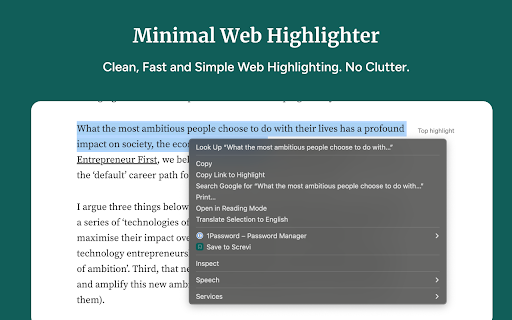
While browsing the web, use the extension to highlight and save text from articles directly to your Screvi library. Your content will be synced automatically and ready for tagging, organization, and search.
Start building your personal knowledge hub with screvi
| 分类 | 📝工作流程与规划 |
| 插件标识 | ndlpohihdhnmgdnbmlgpnijmdddefooj |
| 平台 | Chrome |
| 评分 |
★★★★★
5
|
| 评分人数 | 2 |
| 插件主页 | https://chromewebstore.google.com/detail/screvi/ndlpohihdhnmgdnbmlgpnijmdddefooj |
| 版本号 | 1.2.2 |
| 大小 | 570KiB |
| 官网下载次数 | 131 |
| 下载地址 | |
| 更新时间 | 2025-02-24 00:00:00 |
CRX扩展文件安装方法
第1步: 打开Chrome浏览器的扩展程序
第2步:
在地址栏输入: chrome://extensions/
第3步: 开启右上角的【开发者模式】
第4步: 重启Chrome浏览器 (重要操作)
第5步: 重新打开扩展程序管理界面
第6步: 将下载的crx文件直接拖入页面完成安装
注意:请确保使用最新版本的Chrome浏览器
同类插件推荐
Screvi
Save and remember highlights and bookmarks from al

Clippings.io for Amazon Kindle Highlights
Export your Amazon Kindle Highlights to your favor
Save to Niphtio
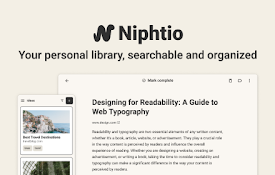
Your personal library, searchable and organized.Do

Findr
Capture articles, social media posts, and webpages
klemmbrett
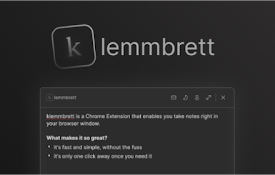
faster notes in your browserKlemmbrett is a dynami
GoTodo - Todo list, Notes & Reminders
GoTodo is your productivity app to organize work &

PackPack - AI书签管理器,浏览器扩展程序
文章、社交媒体帖子、图片、视频等内容 - AI 让一切都可保存且易于阅读。PackPack 超越了传

Stationian Bookmark Manager
An all-in-one bookmark companion to better curate

Second brain for Youtube
Have your own second brain for Youtube. Summarize
Me.bot
Me.bot: Your Second Brain that Enhances Your Memor

Capacities Web Extension
Save website URLs, titles and cover images directl

Matter
Save articles to your Matter accountMatter: Save,

Sublime
Collect and connect anything interesting you find