Google 日历 and Outlook Chrome 插件, crx 扩展下载
CRX扩展文件安装方法
第1步: 打开Chrome浏览器的扩展程序
第2步:
在地址栏输入: chrome://extensions/
第3步: 开启右上角的【开发者模式】
第4步: 重启Chrome浏览器 (重要操作)
第5步: 重新打开扩展程序管理界面
第6步: 将下载的crx文件直接拖入页面完成安装
注意:请确保使用最新版本的Chrome浏览器
同类插件推荐
Text to Google Calendar | MyTask AI
Tasking made Easier.✨ MyTask: Effortless AI-Powere
文本转Outlook日历
轻松从任何高亮显示的文本创建Outlook日历事件立即将文本转换为Outlook日历事件!? 厌倦

Mail Checker for Outlook
Displays the number of unread messages in your Out

Badge Notifications for Outlook PWA
A tool to add a pending notification app badge (te
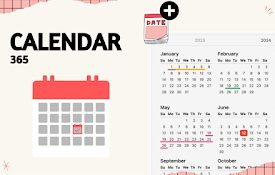
年度事件日历
能够突出显示自定义事件的年历,例如假期、休假或其他重要日子非常简单的年历,具有为一天或多天添加自定义
超级日历
随时将感兴趣的事件记录和保存在你的日历中。一键导入Apple、Google、OUTLOOK、Yaho

Multi-Email/App Taskbar/Dock PWA Unread Badge
Add an unread email count badge to Gmail**/Outlook
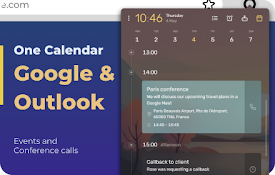
Google 日历 and Outlook
使用 Google 日历和 Outlook 日历保持组织有序。使用 Microsoft Teams、

Google Calendar Resize Sidebar
Customize your Google Calendar sidebar width with

Today - Google Calendar Highlighter for Today
Highlight the today box in Google CalendarHighligh
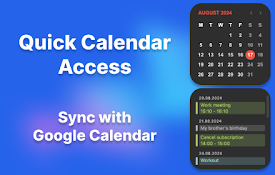
2025年日历
2025年日历是一个浏览器扩展,为您提供快速和方便地访问任何月份和年份的日历。通过这个扩展,您可以:

AI New Tab: Calendar, Tasks, ChatGPT
New tab homepage with Google Calendar, Tasks, Chat

Cards & Colors
Extension enhances visibility to issues and cards